Need help getting started? Contact Us

Getting Started

Black circle icon with a green number "1"

Log in to Online Banking or the DuGood Mobile app.

Black circle icon with a green number "2"

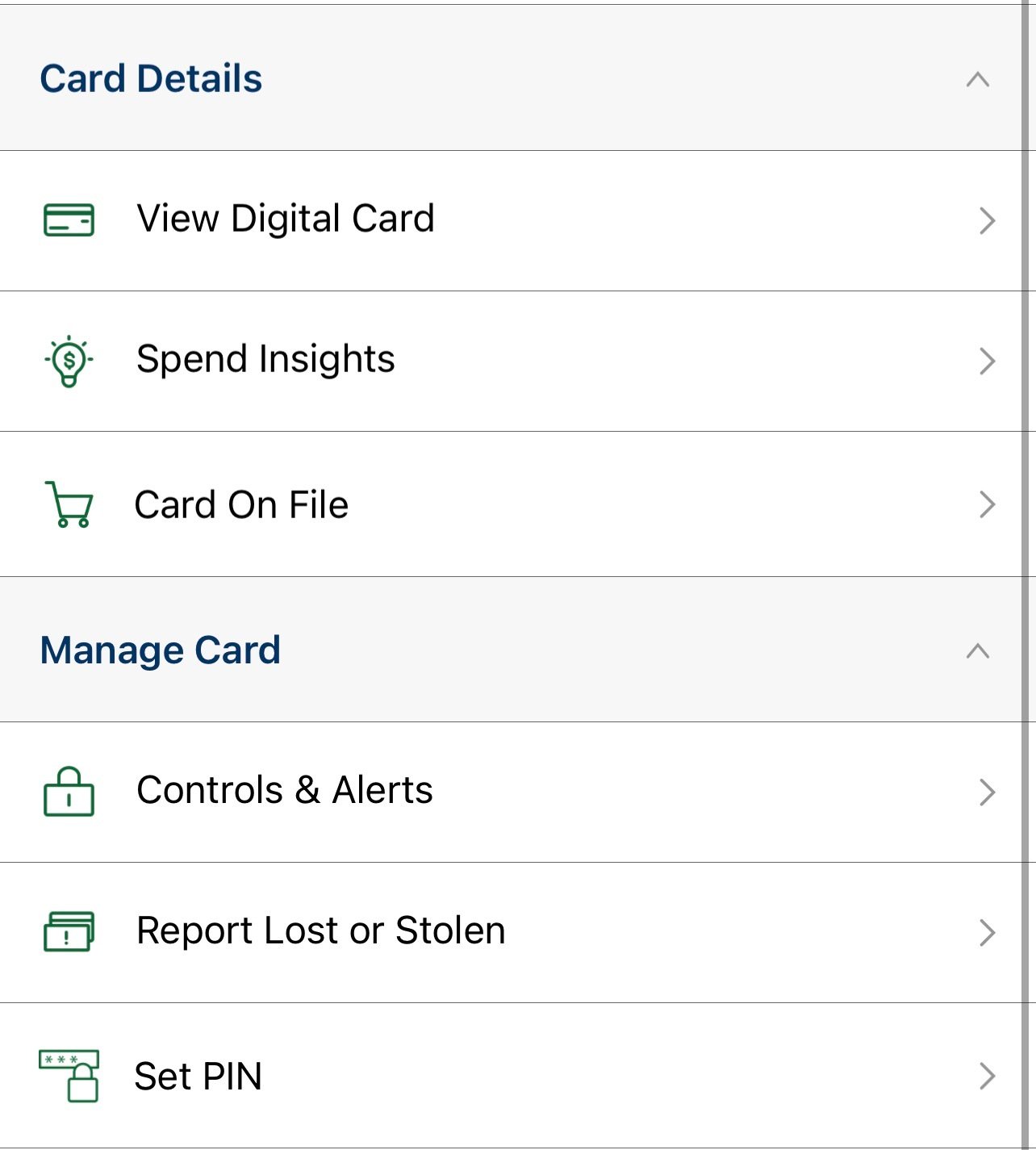
Click the Card Controls link on the menu or on the More menu of the mobile app.

Black circle icon with a green number "3"

Read and agree to the Terms and Conditions.

Log in to Online Banking.

CARD CONTROLS FEATURES

Icon of a mobile phone with a green US Dollar sign in the center

See Pending Transactions

Stay on top of your finances. You'll see pending transactions, cleared transactions, balances, history and more.

Black lock icon with a green keyhole

Turn your Card On and Off

Lock your card, so no purchases can be made. When you're ready to use it, just turn it on in an instant!

Black phone icon with a green GPS market

LIMIT WHERE YOUR CARD CAN BE USED

Use your phone's GPS to limit the range or location where your card can be used.  

Black credit card icon

SET SHOPPING RESTRICTIONS

Limit the types of merchants where your card can be used. Transactions can be reported or denied according to your settings.

Black pie chart icon with a green wedge separated from the main seciton

ESTABLISH SPENDING LIMITS

Control family or business spending. It's like enforcing a budget, so your card can be used for a $10 lunch, but not a $100 pair of shoes.

A black phone icon with a green text message on the screen

RECEIVE ALERTS

Monitor your card usage by signing up for alerts about pending purchases, denials, and other types of transactions.

A black debit card icon with alert

Manage your cards with ease

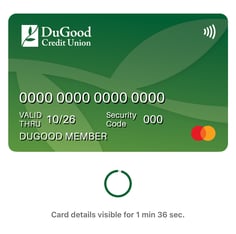
Activate your cards quickly and securely. Set or edit your PIN. View your digital card with full details. Add your cards to your Digital Wallet.

Black circle icon with a green arrow pointing down

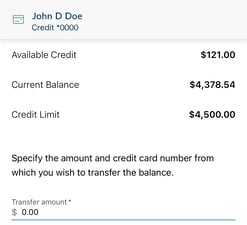
Transfer Credit Card balances

Save more by transferring your balance from any credit card provider to a low interest DuGood Credit Card.

Black graph icon

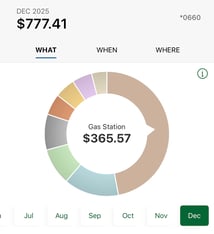
View Spending Insights

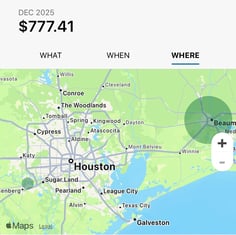
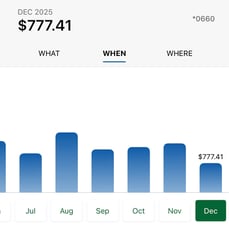
Gain a greater understanding of your spending patterns through charts and maps.

A black phone icon with a green envelope and a US dollar sign inside the envelope.

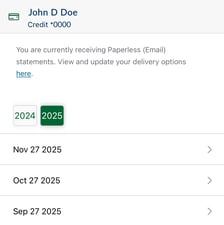
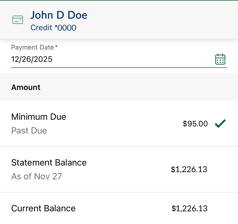
Make Credit Card Payments

Make credit card payments and access your statements anytime. View or download for up to 24 months.

Be sure to keep your DuGood app up to date to take advantage of all the latest features.

GET ANSWERS TO FREQUENTLY ASKED QUESTIONS